

MobilePro #212: Mitigating iOS security threats, iOS 26.5, Gemma 4, and more…
Latest Mobile Dev Insights: iOS, Android, Cross-Platform

Welcome to the 212th edition of MobilePro.
Mobile development is evolving on two fronts at once: the platforms we build for are getting more sophisticated, and the systems we rely on are becoming more tightly controlled. Apple’s latest updates to StoreKit and its continued push with Liquid Glass show how both monetization and design are being refined at a deeper level, while changes from players like Anthropic highlight how quickly the rules around AI tooling and developer workflows can shift.
At the same time, building modern apps isn’t just about features—it’s about resilience. This week’s article takes a step back from APIs and frameworks to focus on something equally critical: security. By breaking down common iOS attack techniques—from network interception to runtime manipulation—and mapping them to practical defenses, it gives you a clearer mental model for thinking like a defender and building apps that are not just functional, but fundamentally secure.
Before we move to the tutorial, here are some of the key news highlights from this week:
iOS 26.5 Beta enhances StoreKit for subscriptions, with fixes and a testing workaround
Gemma 4 brings local agentic AI to Android with faster, more efficient on-device intelligence
Apple expands Liquid Glass gallery with more third-party app showcases
Anthropic shifts Claude harnesses to pay-as-you-go, raising lock-in concerns
Let’s get started!
Grow your mobile apps efficiently
Without ads!

Do you rely on paid ads for mobile growth? Don’t the rising costs and limited visibility make it harder to scale?
Insert Affiliate gives you another option.
It lets you run an affiliate channel for your app, where partners, creators, or communities drive users via tracked links, and you can tie installs, purchases, and subscriptions back to the source.
Compatible with: iOS and Android, Flutter, Unity and React Native (Discounts available)
✔️ Clear visibility into revenue, including renewals and refunds.
❌ No rebuilding your stack.
📢 Important: MobilePro is Moving to Substack
We’ll be moving MobilePro to Substack soon. From that point forward, all issues will come from packtmobilepro@substack.com.
To ensure uninterrupted delivery, please whitelist this address in your mail client. No other action is required.
You’ll continue receiving the newsletter on the same weekly cadence, and on Substack you’ll also gain more granular control over your preferences if you wish to adjust them later.
Understanding common attack techniques in iOS security and mitigating them
Modern iOS security is no longer just about defending devices at the perimeter, it is about understanding how attacks originate, how they operate, and how different techniques combine to compromise systems. A practical way to approach security is to think like a defender: first identify where an attack starts, and then understand how it works. This dual perspective enables faster decision-making and more effective defenses.
This article explores common attack techniques affecting iOS environments, from network-based threats to identity attacks, application vulnerabilities, and platform-level exploits. By connecting each threat to real-world behaviors and mitigation strategies, we build a clear map from technique → defense.
Network attacks: intercepting and disrupting communication
Network attacks target data in transit between devices and services.
Man-in-the-Middle (MITM) attacks
MITM attacks occur when an attacker intercepts communication between a user and a server. Common methods include rogue Wi-Fi hotspots, downgrade attacks, and fake network infrastructures.
Modern iOS protections such as TLS, HTTPS enforcement, and encrypted DNS reduce these risks, but they do not eliminate them entirely. Applications must still enforce certificate pinning, strong TLS configurations, and end-to-end encryption.
DNS hijacking
DNS hijacking redirects users to malicious destinations by manipulating domain resolution. Attackers may poison DNS caches, spoof responses, and compromise infrastructure. Mitigations include DNSSEC (ensures authenticity of DNS responses) and Encrypted DNS (DoH/DoT) for secure transport.
Denial-of-Service (DoS)
DoS attacks aim to disrupt availability. On iOS, these are often caused by input parsing bugs, UI crashes, and wireless protocol vulnerabilities. Unlike traditional large-scale floods, many iOS DoS incidents exploit specific software weaknesses, which are typically patched through updates.
Identity and trust attacks
These attacks exploit trust relationships, either by deceiving users or manipulating system trust mechanisms.
Authentication attacks
Attackers attempt to gain access through phishing proxies, credential stuffing, SIM swapping, and OAuth misconfigurations. A compromised device can quickly lead to account takeover, especially if passcodes or credentials are exposed.
Elevation of privilege
These attacks involve chaining vulnerabilities to execute code, escape app sandbox, and gain system-level access. Modern iOS defenses (sandboxing, code signing) make this difficult, but sophisticated attackers can still succeed using zero-day exploits.
URL scheme hijacking
Custom URL schemes can be abused to intercept sensitive data such as OAuth tokens. This is why universal links (HTTPS-based) are preferred and apps must validate redirects and parameters.
Application surface and data attacks
These attacks exploit weaknesses in how applications handle data and input.
Injection attacks
Injection occurs when untrusted input is treated as executable logic. Examples include malicious deep links, unsafe WebView content, and improper query construction. The key issue is trusting user input without validation.
Configuration attacks
Attackers may trick users into installing malicious configuration profiles, rogue certificates, and fake MDM enrollments. These attacks rely heavily on social engineering rather than technical exploits.
Insecure data storage
Common mistakes include storing sensitive data in plaintext, logging credentials, and using insecure storage mechanisms. iOS provides strong protections (Keychain, Secure Enclave), but misuse can negate these benefits.
Clipboard hijacking
Malicious apps may monitor or modify clipboard data to steal OTPs, replace wallet addresses, and capture credentials.
Code integrity and platform exploits
At a deeper level, attackers attempt to break the integrity of applications and the platform itself.
Reverse engineering and code tampering
Attackers analyze apps to understand logic, identify vulnerabilities, and modify behavior. Tools like Frida and IDA make this easier, especially on jailbroken devices.
App repacking
A legitimate app is modified and redistributed to steal data and inject malicious functionality. This is mitigated on standard iOS devices through strict code signing and App Store controls.
Runtime manipulation
Instead of modifying the app binary, attackers hook functions at runtime, alter memory, and bypass checks.
Side channel attacks
Sensitive data may be inferred through timing differences, power usage, and cache behavior. These attacks do not break encryption directly but exploit observable patterns.
Physical attacks
When attackers have physical access, they may attempt passcode guessing, use forensic tools, and exploit hardware vulnerabilities.
How to mitigate these iOS security threats
To effectively defend against these diverse attack vectors, organizations and developers should adopt a layered, proactive approach.
Strengthen Identity and Access
Use passkeys and strong authentication methods
Enforce multi-factor authentication (prefer device-based over SMS)
Avoid password reuse
Secure network communications
Enforce HTTPS and strong TLS configurations
Implement certificate pinning where appropriate
Use encrypted DNS (DoH/DoT)
Treat all input as untrusted
Validate and sanitize all external input
Use allowlists instead of blocklists
Avoid dynamic execution of user-controlled data
Protect data at rest
Store secrets in the Keychain
Use strong file protection classes
Avoid logging sensitive information
Reduce attack surface
Remove unused features and permissions
Restrict entitlements
Avoid unnecessary third-party dependencies
Enforce secure app distribution
Use official channels (App Store, TestFlight)
Monitor for repackaged or counterfeit apps
Validate app integrity using tools like App Attest
Harden against runtime attacks
Implement runtime integrity checks
Detect debugging or hooking attempts
Move critical logic to the server
Manage devices and profiles carefully
Avoid installing unknown configuration profiles
Verify MDM sources
Restrict enterprise certificates
Keep systems updated
Apply OS and app updates promptly
Patch known vulnerabilities quickly
Monitor for emerging threats
Build user awareness
Train users to recognize phishing and social engineering
Encourage cautious behavior with links, downloads, and prompts
Promote secure handling of devices and data
Effective iOS security is not about any single defense—it is about understanding how attacks originate and how they unfold. By pairing origin (internal vs external) with technique (network, identity, application, or platform), defenders can better assess risks and deploy targeted controls.
In today’s environment—where personal devices, cloud services, and remote access blur traditional boundaries—security must be layered, adaptive, and user-aware. The organizations that succeed are those that continuously ask:
Where could this attack start?
How would it work?
What control breaks the chain?
Answer those questions consistently, and your defenses become not only stronger—but smarter.
If you want to learn more about iOS security, check out iOS Security Through Defensive Techniques by Deya Eldeen Elkhawaldeh and Dave Poirier.
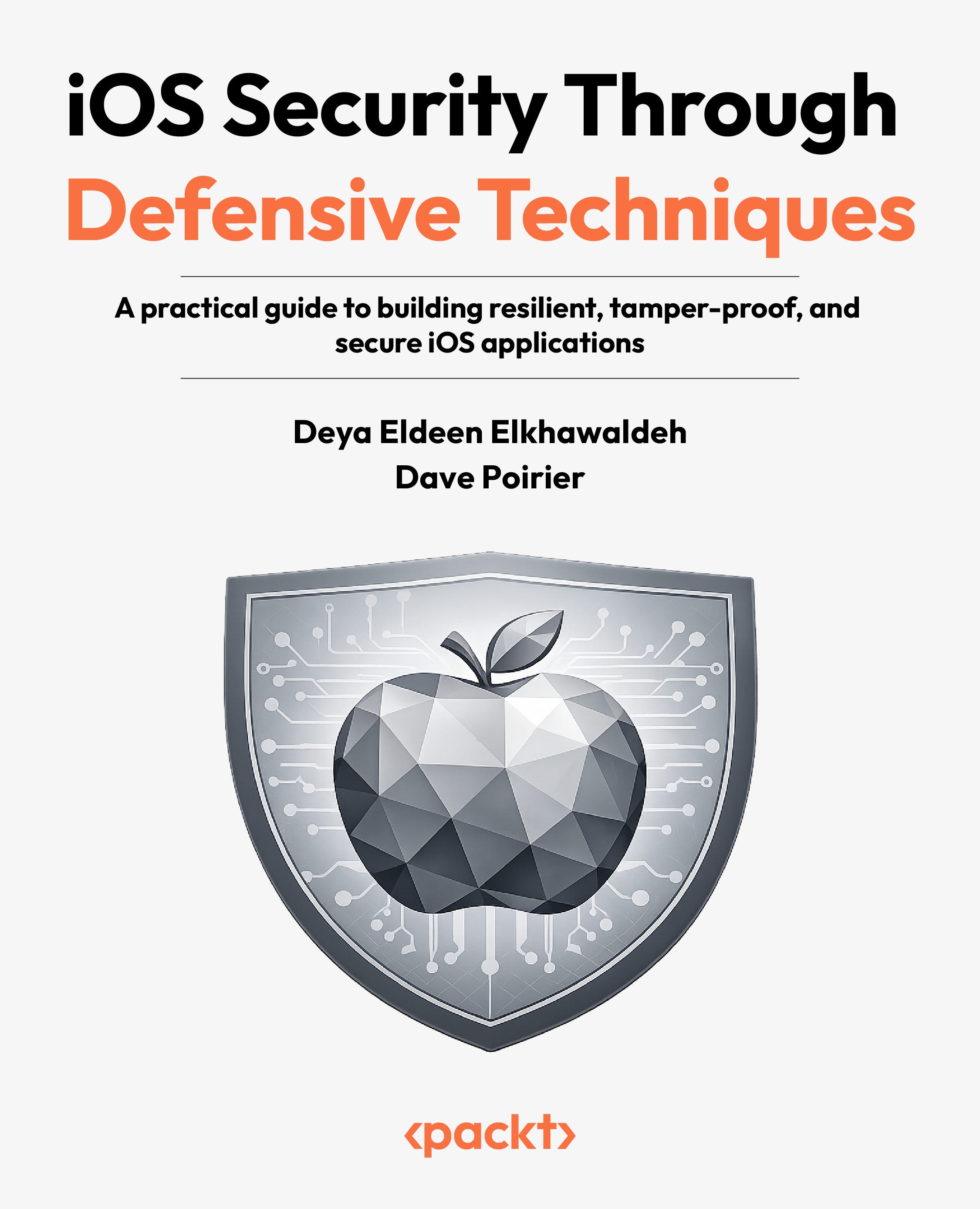
iOS Security Through Defensive Techniques
🧑💻 Harden apps against iOS attack paths with validation, tamper resistance, runtime checks and more.
🛠️ Build a strong iOS security baseline with threat modeling, privacy, and safe data handling.
🔎 Protect sensitive data using correct cryptography, secure storage, and hardware backed keys.
This week’s news corner
With that in mind, here are a few updates from the past week that show where mobile development is heading next.
iOS 26.5 is out: iOS and iPadOS 26.5 beta (via Xcode 26.5) adds new StoreKit capabilities for handling subscription pricing terms, billing plans, and entitlement metadata, especially for monthly plans with 12-month commitments. There’s a known StoreKitTest issue affecting SKTestSession in unit tests (with a workaround), and a bug with certain wallpapers failing to install/remove has been fixed.
Gemma 4: The new standard for local agentic intelligence on Android: Gemma 4 brings local, agentic AI to Android, enabling on-device intelligence and offline AI-powered coding in Android Studio with strong reasoning and tool-calling capabilities. It powers the next-gen Gemini Nano, offering faster, more efficient performance, while giving developers a privacy-focused, cost-effective way to build and ship AI features locally.
Apple showcases apps using Liquid Glass in new developer gallery: Apple has refreshed its developer gallery to highlight more third-party apps adopting the Liquid Glass design, showcasing smoother, more responsive UI experiences across Apple platforms. The updated gallery features apps like Carrot Weather and Denim, reflecting ongoing refinements by both Apple and developers since the design’s debut.
Anthropic’s harness shakeup “just fragments workflows,” developers warn: Anthropic has removed Claude subscription support for third-party AI harnesses like OpenClaw, shifting developers to pay-as-you-go billing due to infrastructure demands. Developers warn this move fragments workflows, reduces portability, and increases vendor lock-in, sparking concerns about control and flexibility in the AI ecosystem.
📢 Important: MobilePro is Moving to Substack
We’ll be moving MobilePro to Substack soon. From that point forward, all issues will come from packtmobilepro@substack.com.
To ensure uninterrupted delivery, please whitelist this address in your mail client. No other action is required.
You’ll continue receiving the newsletter on the same weekly cadence, and on Substack you’ll also gain more granular control over your preferences if you wish to adjust them later.
👋 And that’s a wrap! We hope you enjoyed this edition of MobilePro. If you have any suggestions and feedback, or would just like to say hi to us, just add a comment!
Advertise with us
Interested in sponsoring this newsletter and reaching a highly engaged audience of tech professionals? Simply reply to this email and our team will get in touch with next steps.